Skip to content

Clever features.

All the features you need to easily sign any document.

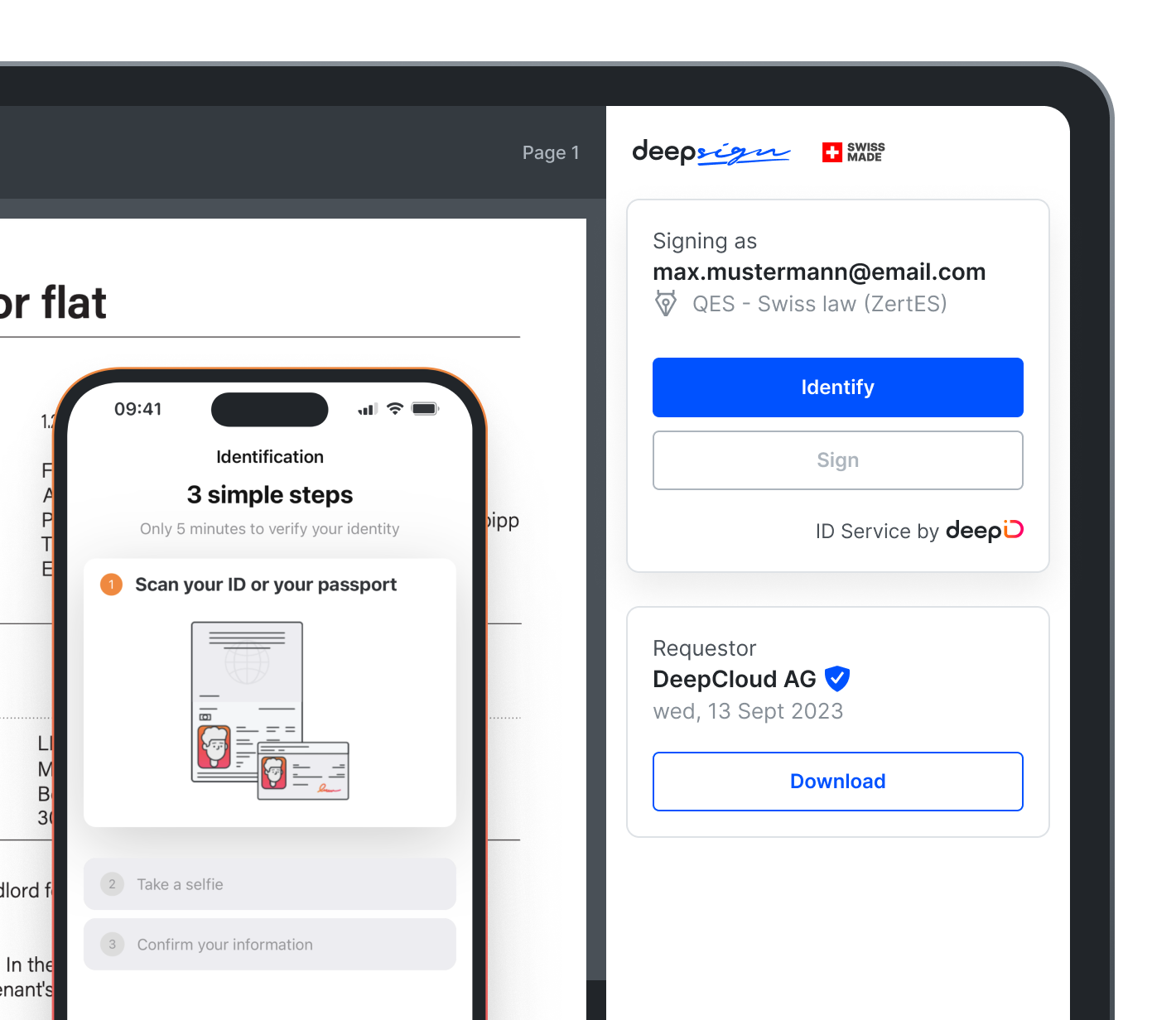
Free integrated digital ID.

To sign contracts with a qualified electronic signature (QES) – the legal equivalent of a handwritten signature – each co-signer must verify their identity. With DeepSign you and your business partners can remotely identify for free using our own DeepID mobile app. DeepID works with both passports and national IDs – and setup just takes minutes!
image

Visual signature editor.

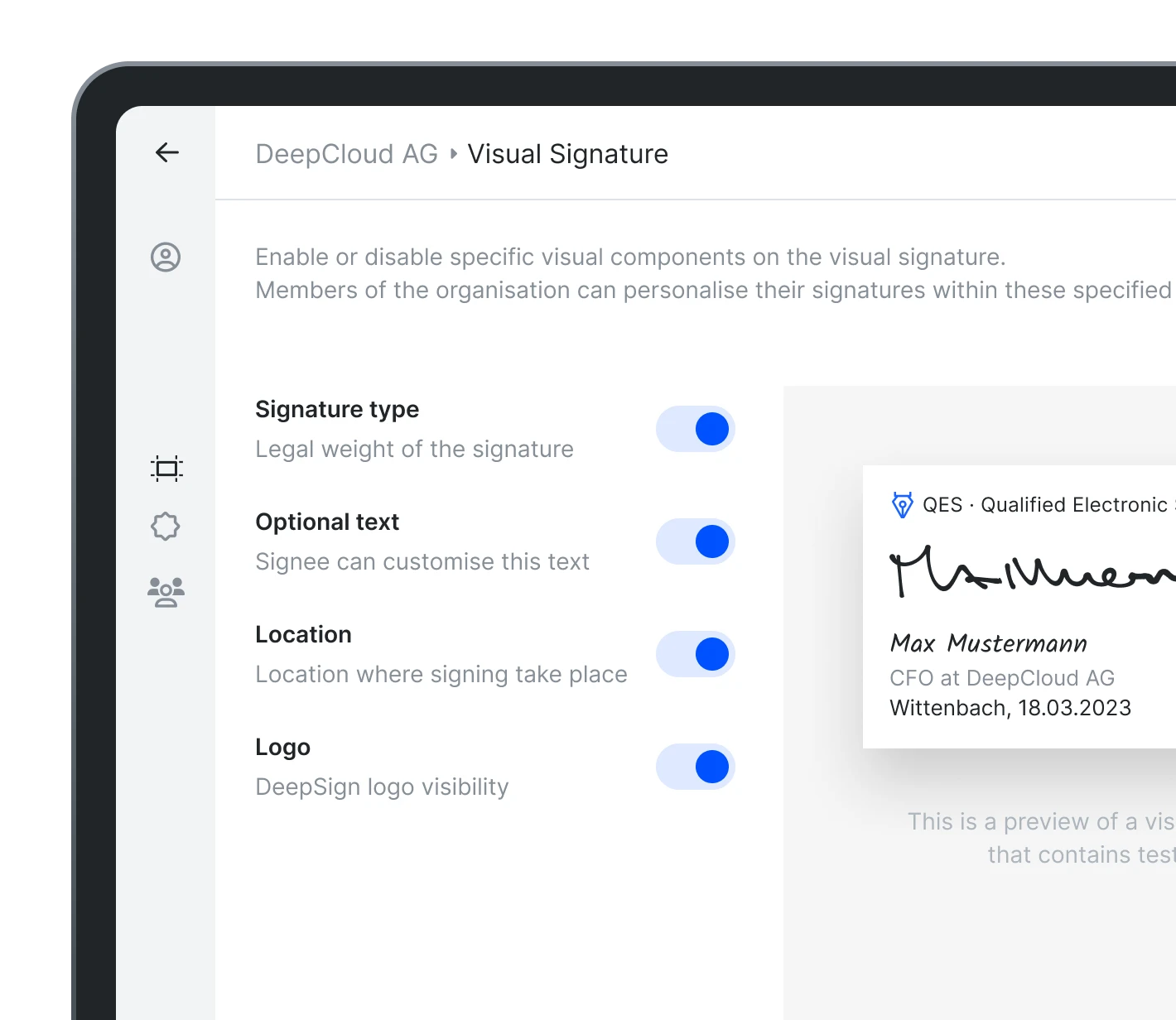
Customise the appearance of your digital signature with the most relevant information. With DeepSign you can decide what information you will visually display when you sign a document: first name and surname, an image with your handwritten signature, the place, date and type of digital signature used. Because nothing is more personal than your signature.

image

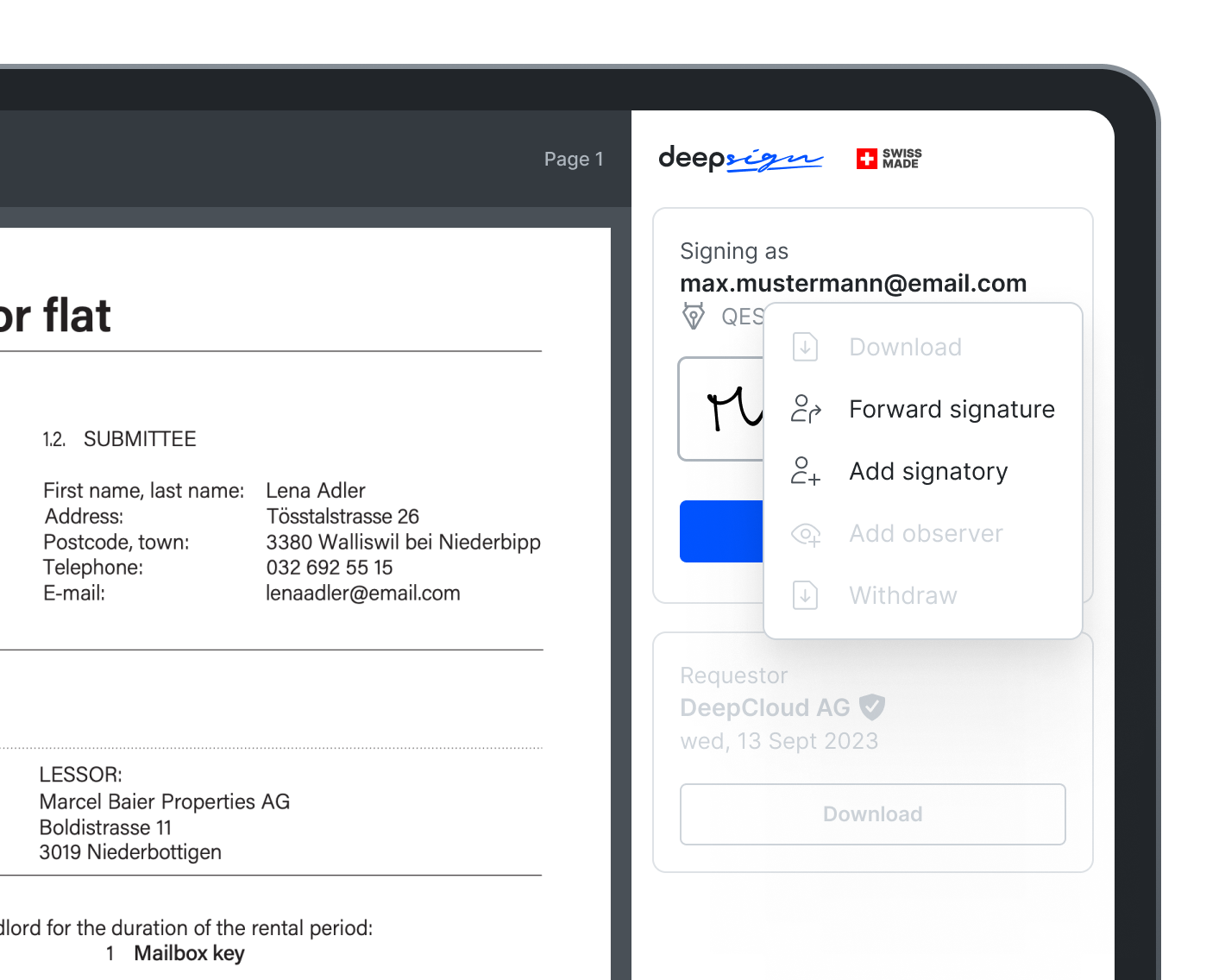
Add signer and forward signature.

Have you received a document to sign which also requires a colleague’s signature or you simply are not the person to sign it? With DeepSign you can invite other people to sign the document or forward it to the people that are actually required to sign it.

image

Other features

Signing order

Need multiple signatures on a document? With DeepSign you can define a signing order, so that a signatory will only be notified once the previous has signed.

Branding

Apply your brand across the DeepSign interface. Your logo and primary colour appear from the first email to the final signature, ensuring a trustworthy experience.

Signing area

Want to show your signatories exactly where to sign? Just define the signature area, so they can put their digital signature in the right place the first time.

Attachments

Do you need to attach a brochure or estimate? With DeepSign you can attach to your contract an additional document that does not need to be signed.

Observer

Add an observer to be informed of the status of signature requests, so they can facilitate the process or take action.

Single sign-on (SSO)

SSO lets you log in once with a company email to access all your apps – including DeepSign. It’s a convenient, fast and secure way to log in, and access can be easily managed by admin.

Enterprise solution

Large organisation? Our advanced account handling includes shared tariff benefits, flexible invoicing and seamless IDP mapping for greater overall efficiency.

Form filling

Need someone to complete a PDF form before signing? With DeepSign, signers can fill out text fields, checkboxes, and more – then sign it all in one seamless step.

Permanent storage

Keep completed, signed documents permanently in DeepSign when the archive is enabled, instead of being automatically deleted after 14 days, with secure access at any time.

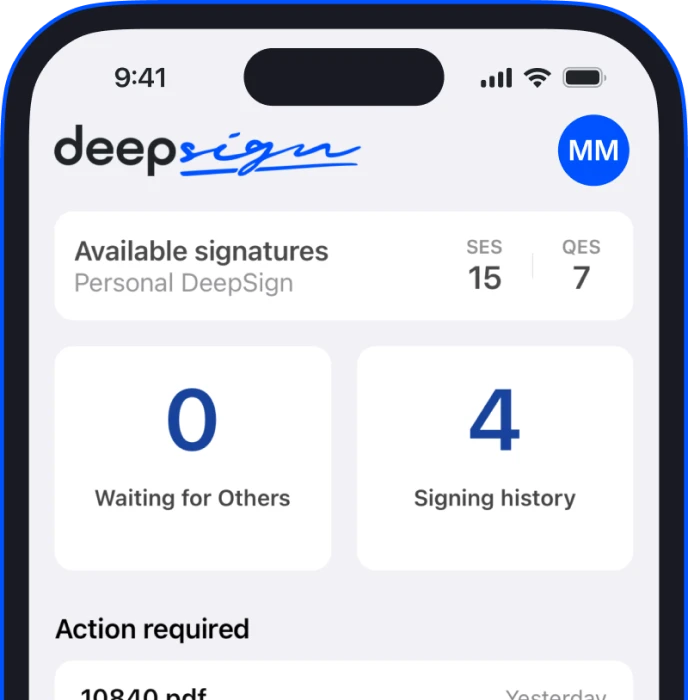
Sign contracts on your mobile phone.

Sign contracts on the go with the free DeepSign app. Invite co-signers, track progress and get updates in the app.

image

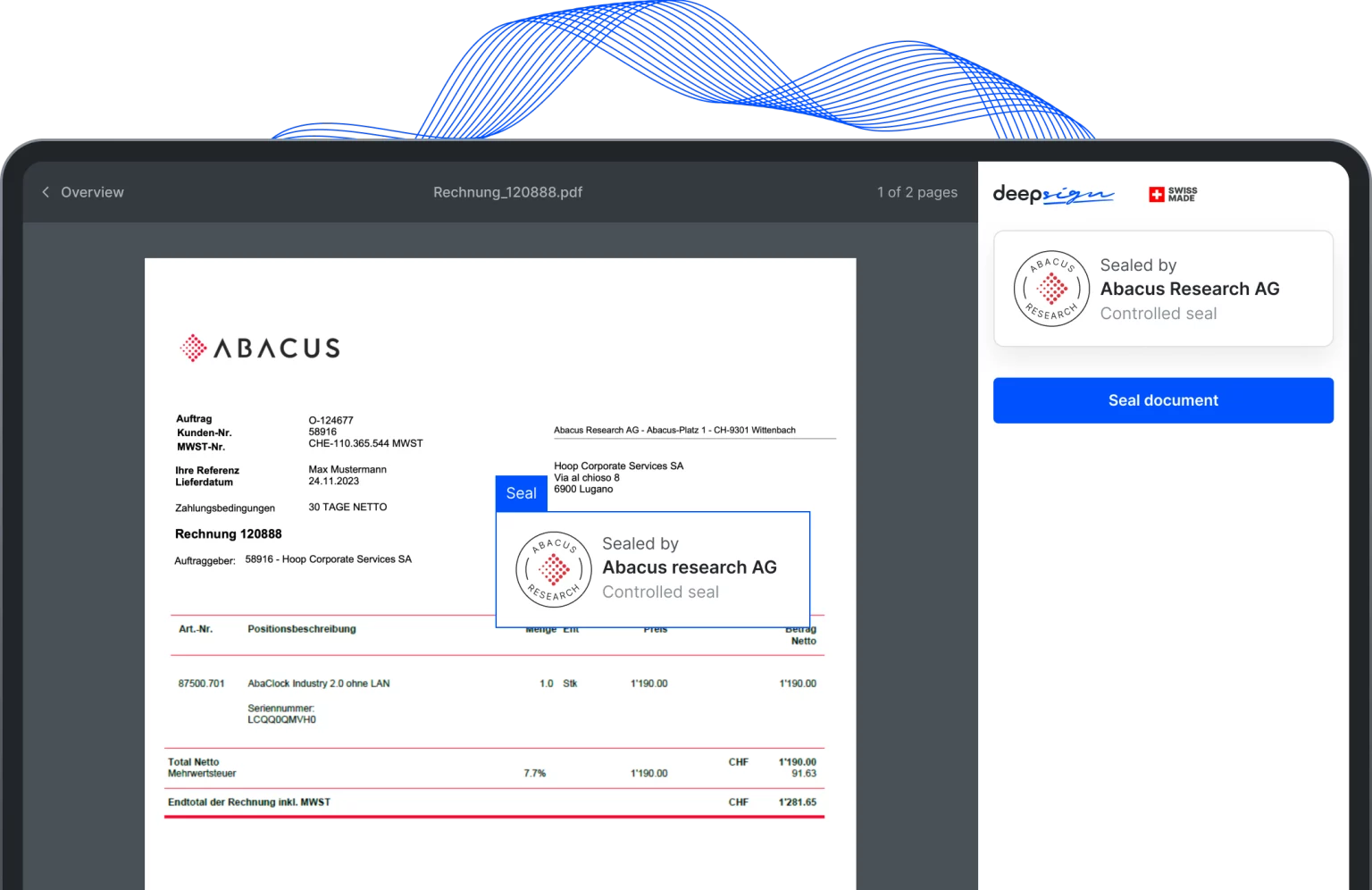
Secure your corporate documents with the electronic seal by DeepSign.

With an electronic seal, you enable your company or organisation to guarantee the proof of origin, integrity and authenticity of your documents.

image

Boost your signing processes with our partner integrations.